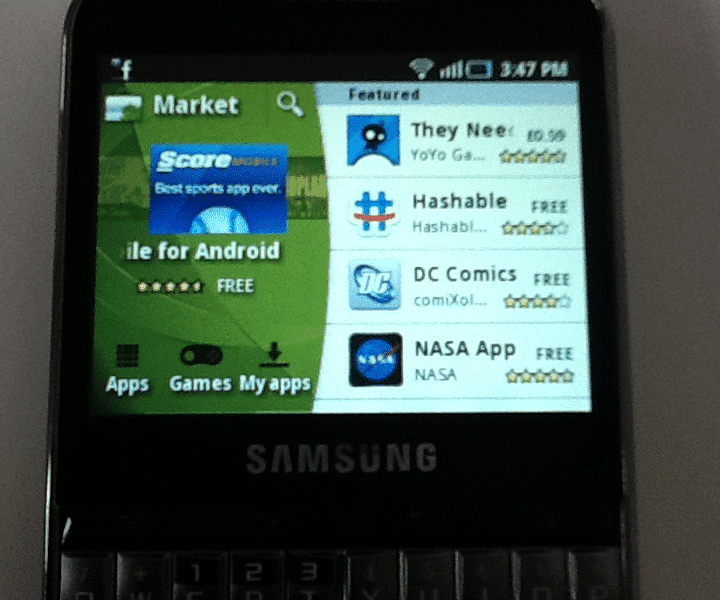
How To Download Games On Your Android Phone.
Downloading your favourite games onto your mobile phone can be very easy as long as you know what you are doing.Here’s my 6 simple steps demonstrated in pictures to help if you need it.I’m using a Samsung Galaxy Pro but this process should be the same on every Android Smart Phone.
.

STEP 1 – Find your MARKET button on your HOME SCREEN.
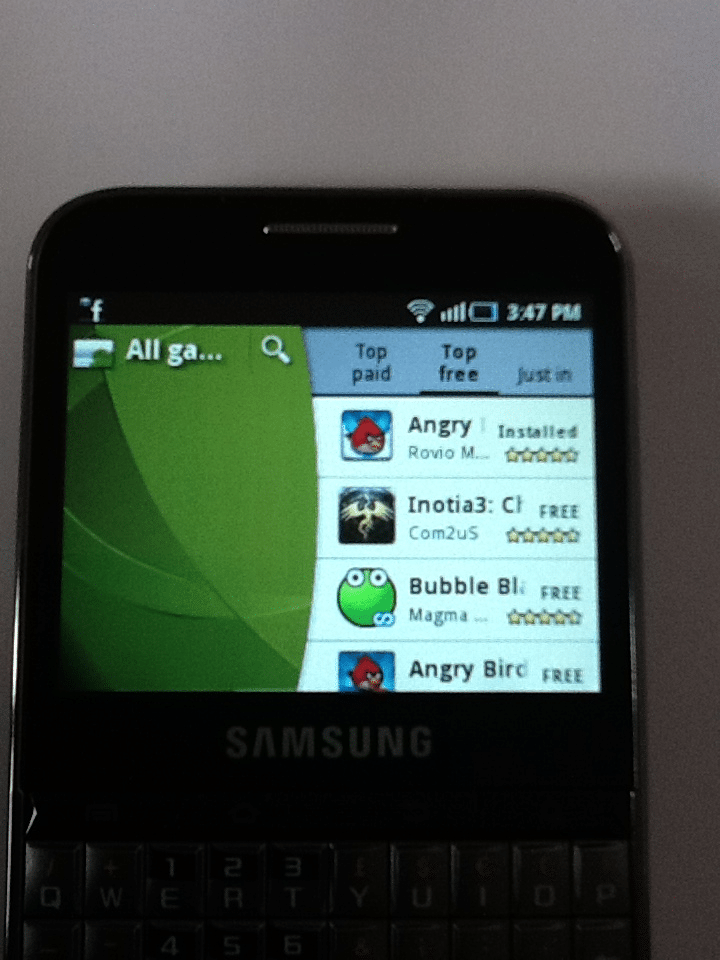
STEP 2 – CLICK on the GAMES OPTION AT THE BOTTOM.
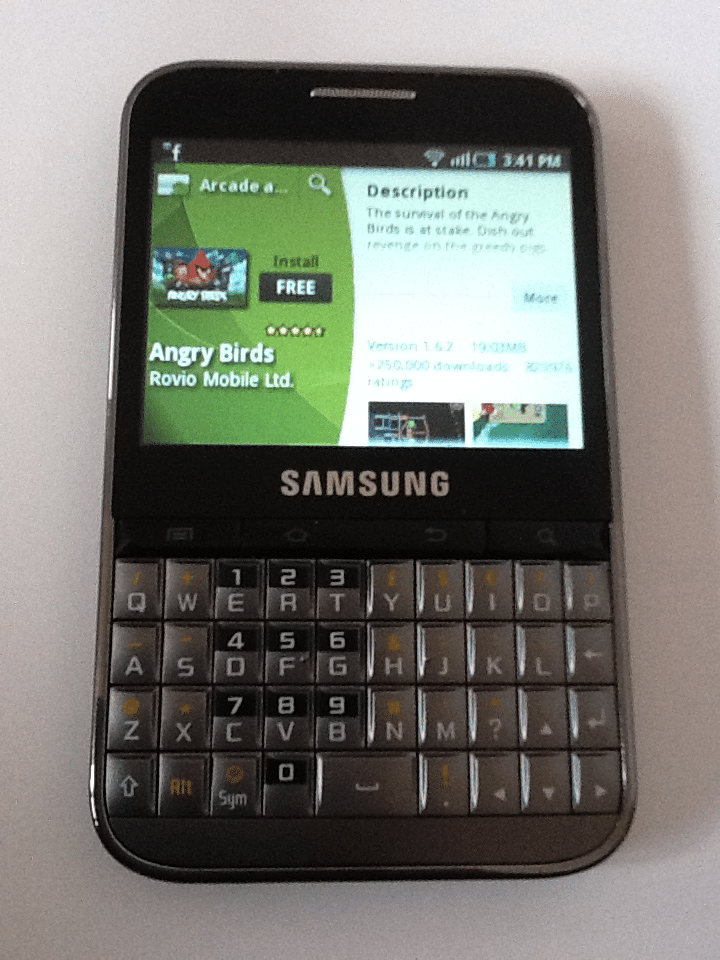
STEP 3 – Choose the Game you want too DOWNLOAD. I have chose ANGRY BIRDS as it’s my all time FAVE. Once you have found the GAME you want Just CLICK the FREE button to choose it.
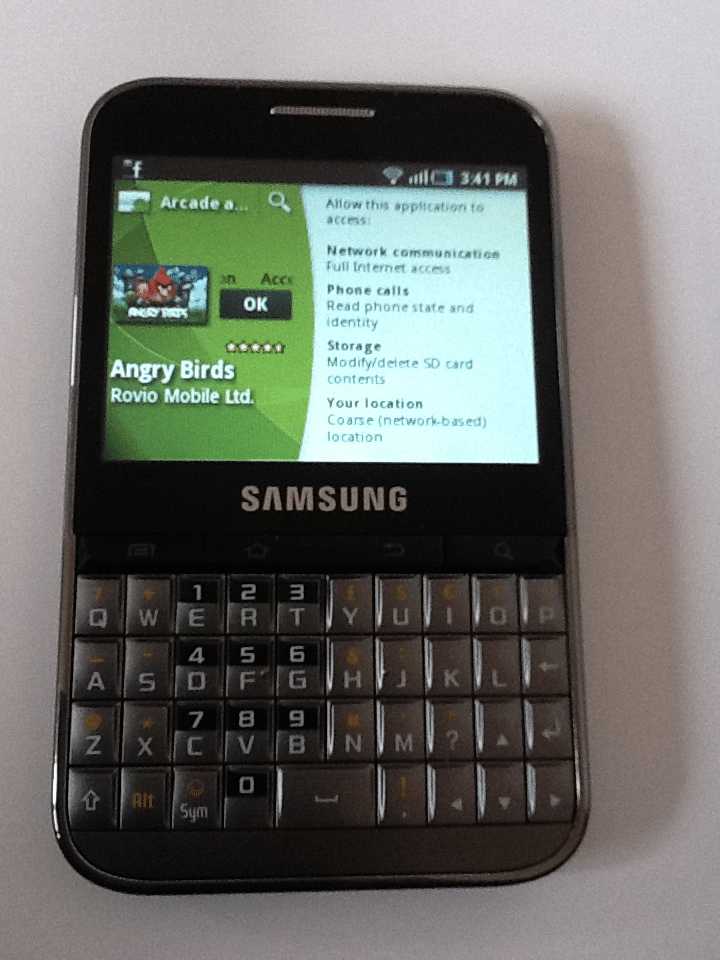
STEP 4 – CLICK OK too start your DOWNLOAD.
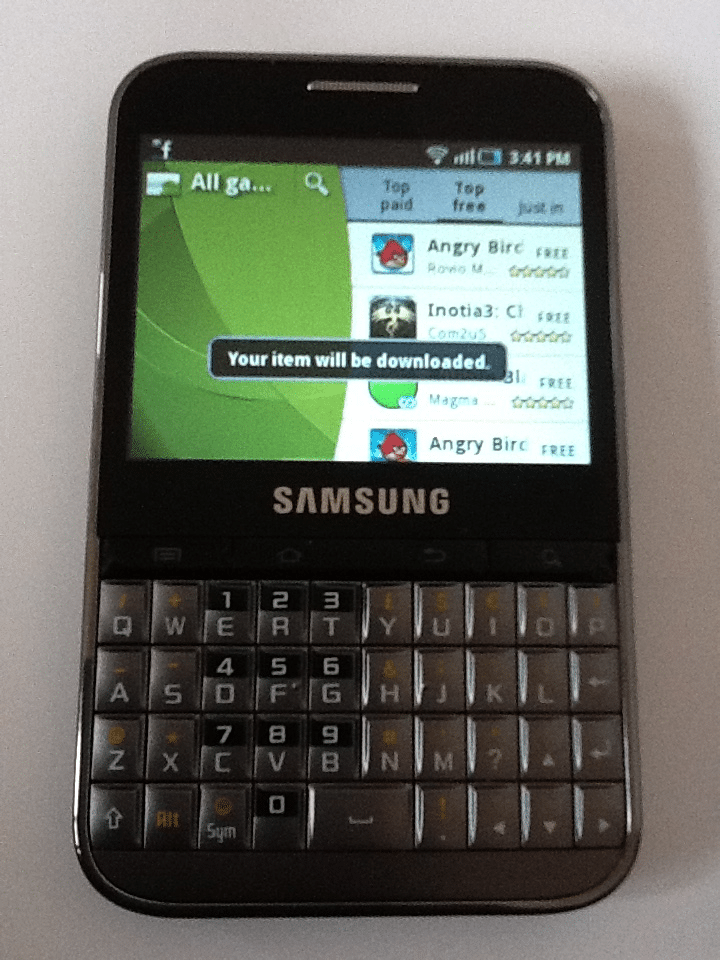
STEP 5 – WAIT as your phone DOWNLOADS your new GAME. Once its done it will automatically INSTALL it to your phone , ready to play!
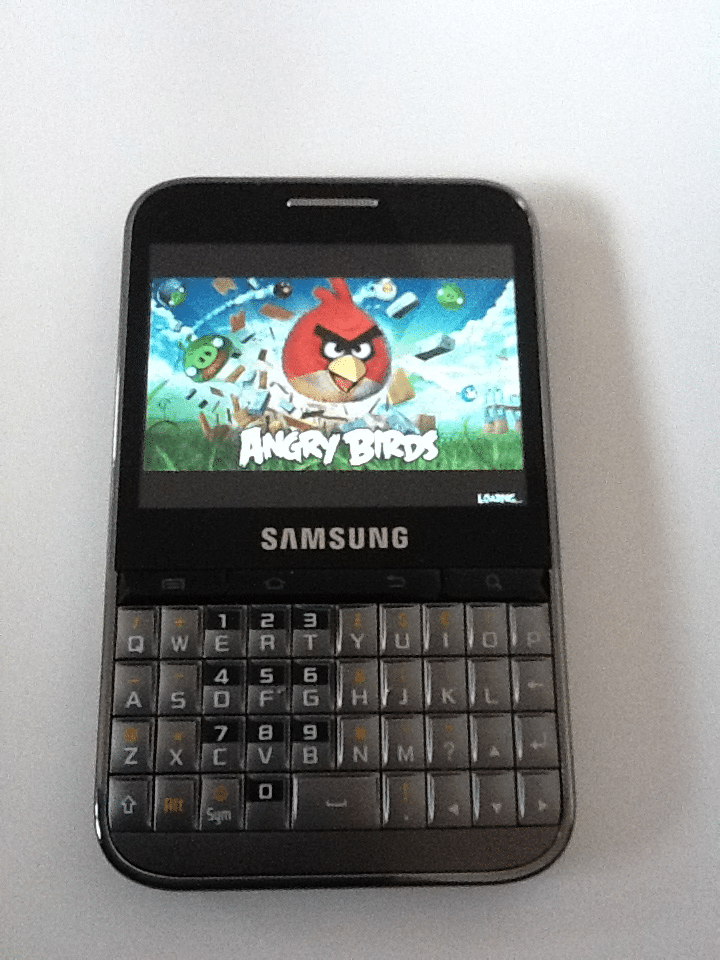
STEP 6 – ENJOY PLAYING YOUR GAME.
MY TOP 5 FAVOURITE GAMES APPS.
All of my top 5 are FREE games that you can download from your Android App Store.
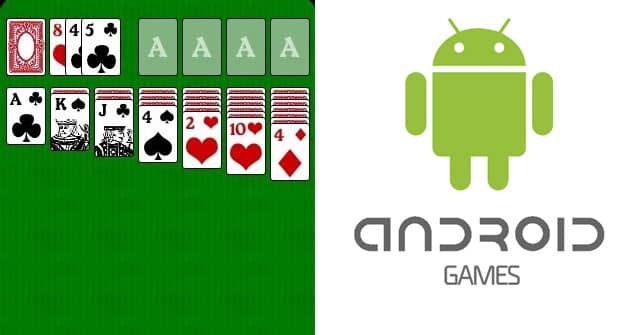
#1 SOLITAIRE
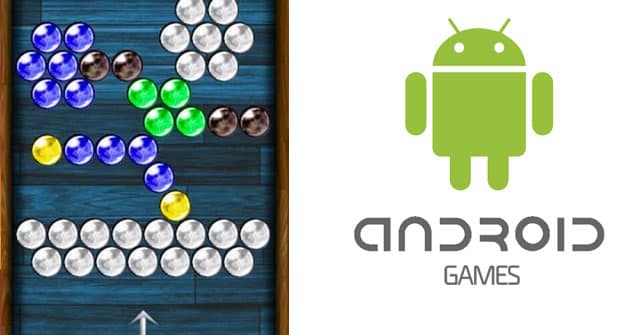
#2 BUBBLE BUSTER
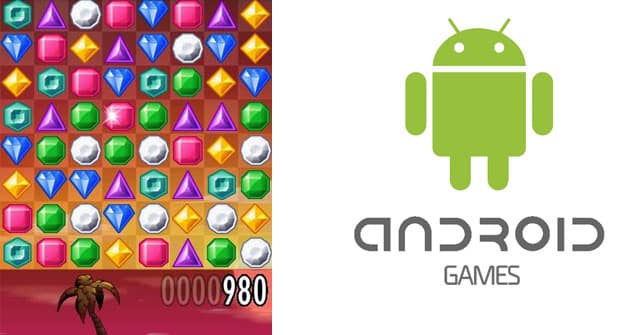
#3 JEWELS
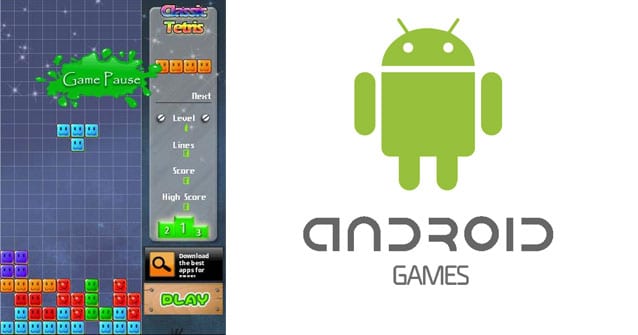
#4 CLASSIC TETRIS
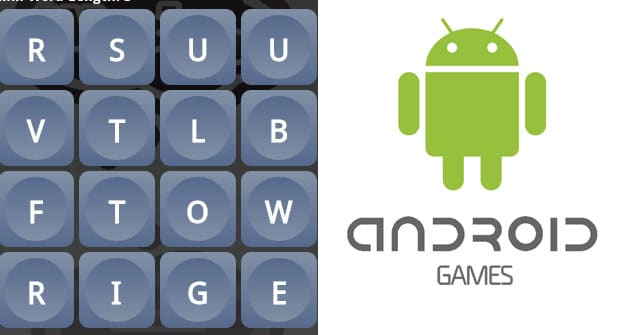
#5 WORD UP